

One record from the order to the doorstep
The client portal connects order, warehouse and shipment records. Your team can check available stock, follow a dispatch and review the delivery events when a customer asks for an update.
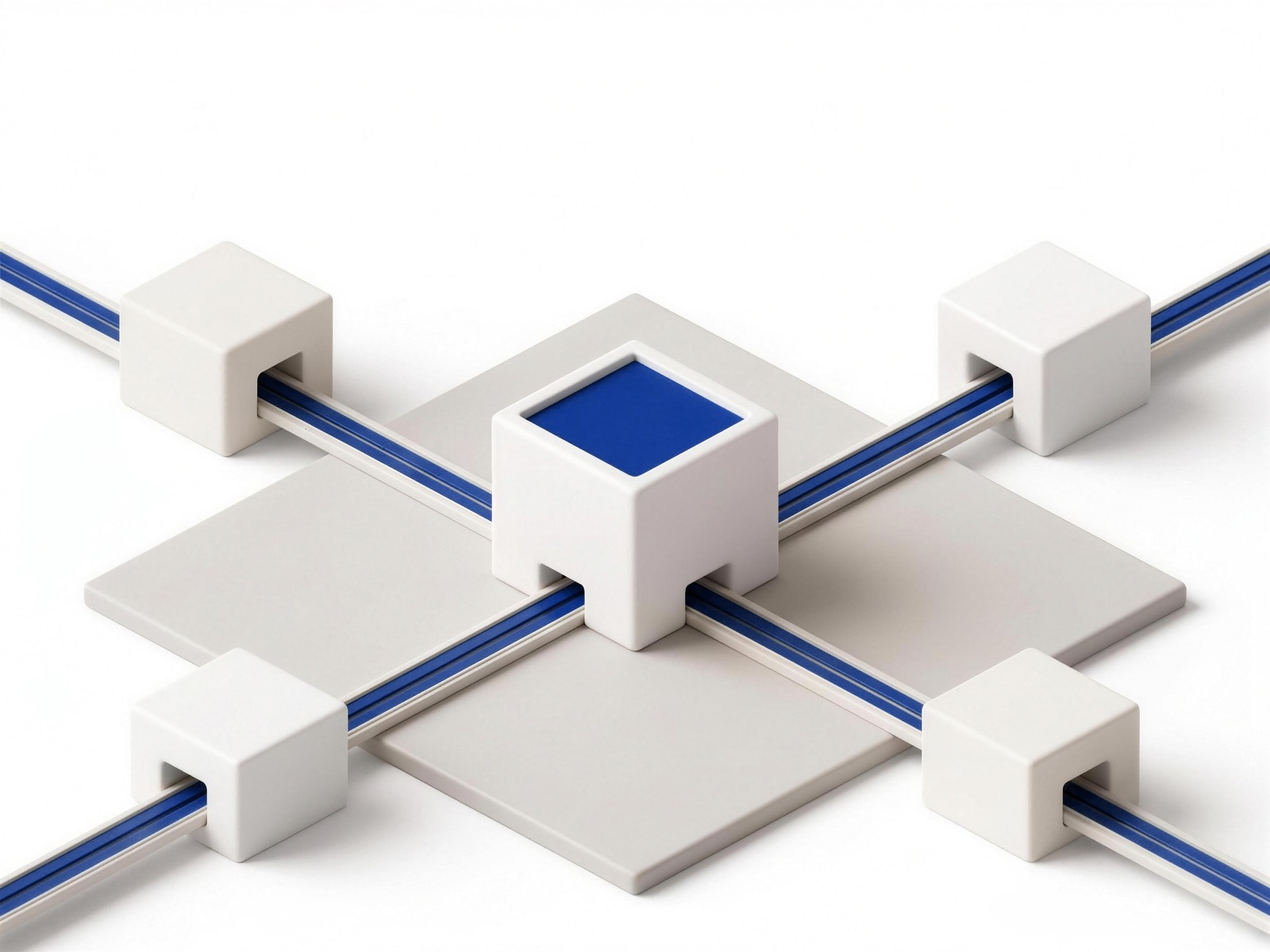
Connect the order to the warehouse and delivery record
Store orders, warehouse activity and shipment events connect through the platform. The data available depends on the store, warehouse and delivery connections in use.
- Your store
- Orders arrive as they are placed; the tracking number goes back to the order.
- Warehouse floor
- Picks, packs and stock levels, written as they happen.
- Carrier
- Linehaul and carrier scans, on the same record.
- Driver
- The last-mile scans and the proof of delivery.





Storefronts
Shopify and WooCommerce
Shopify and WooCommerce connections bring orders into the operation and return the supported fulfillment and tracking updates to your store.
Marketplaces
Amazon, eBay and Walmart
Marketplace orders can enter through supported shipping or warehouse platforms. Confirm the connection for Amazon, eBay or Walmart and the fulfillment rules each channel requires.
Shipping and warehouse platforms
ShipStation, ShipHero and Logiwa
ShipHero supports sending fulfillment work and receiving events. Logiwa supports the outbound fulfillment connection. ShipStation account setup is supported, with the inbound order route assessed separately.
What actually moves between us
Four things, in two directions. If you are currently keeping any of them in a spreadsheet between your store and your warehouse, this is the part that replaces it.
- Orders, inbound
- An order placed on your channel becomes a fulfilment order on the floor without anyone re-keying it. The recipient, the destination, the items and the service level come across as they were sold.
- Stock levels, outbound
- What is on hand, what is reserved against open orders, and what is genuinely available to sell: written back so your channel is not selling from a number that was true this morning.
- Tracking, outbound
- The tracking number and every subsequent scan return to the order, which is what lets your customer follow it without contacting anyone.
- Invoices, outbound
- Issued against the shipments they cover, with the shipment count on the invoice, so a charge can be traced to the movements that produced it.
What it does not touch
Your storefront, your theme, your customer accounts, your checkout and your payment flow stay where they are and keep working the way they do. The connection carries operational data, orders, stock, tracking, invoices, and nothing else. Connecting a fulfilment partner should not turn into a replatform, and this one does not.
Four of the screens you get
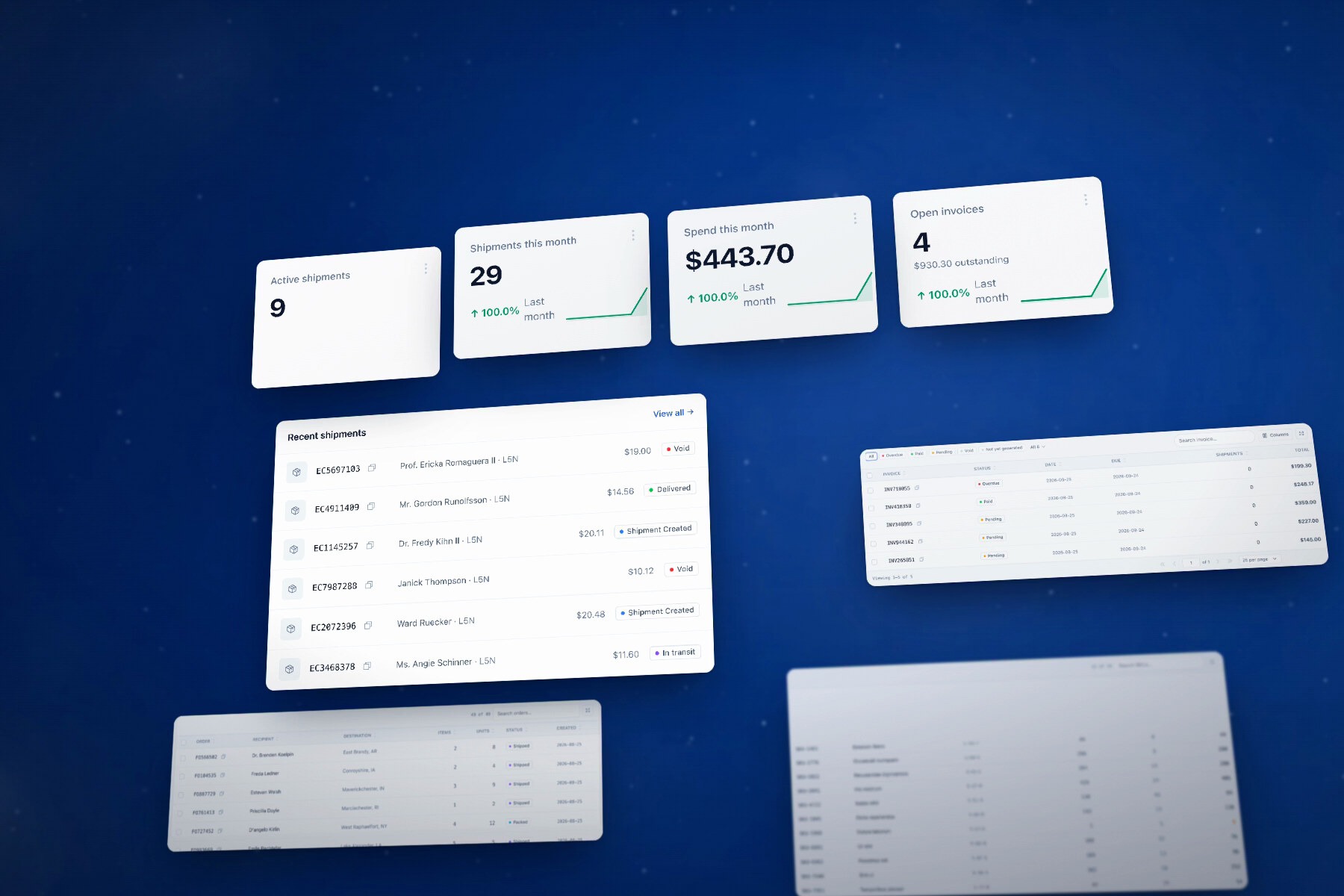
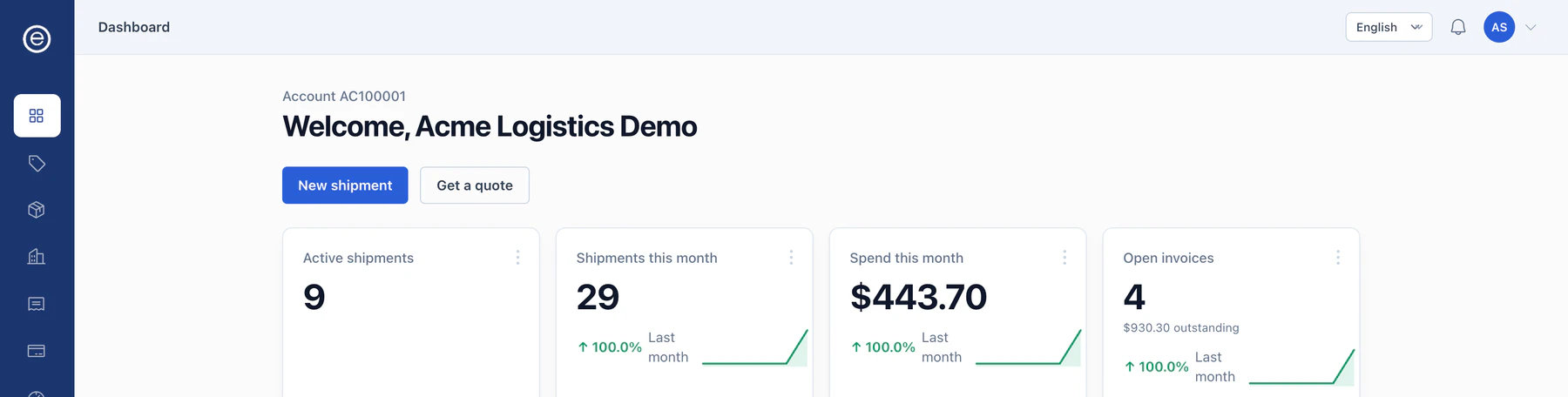
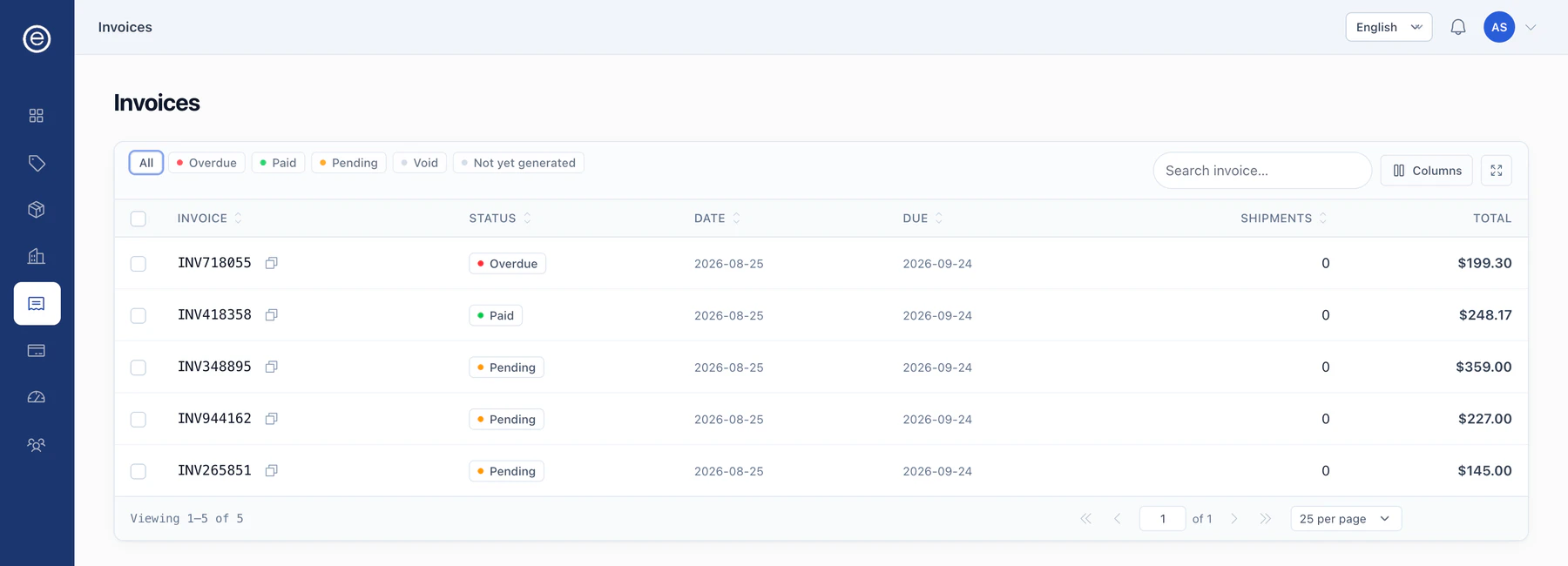
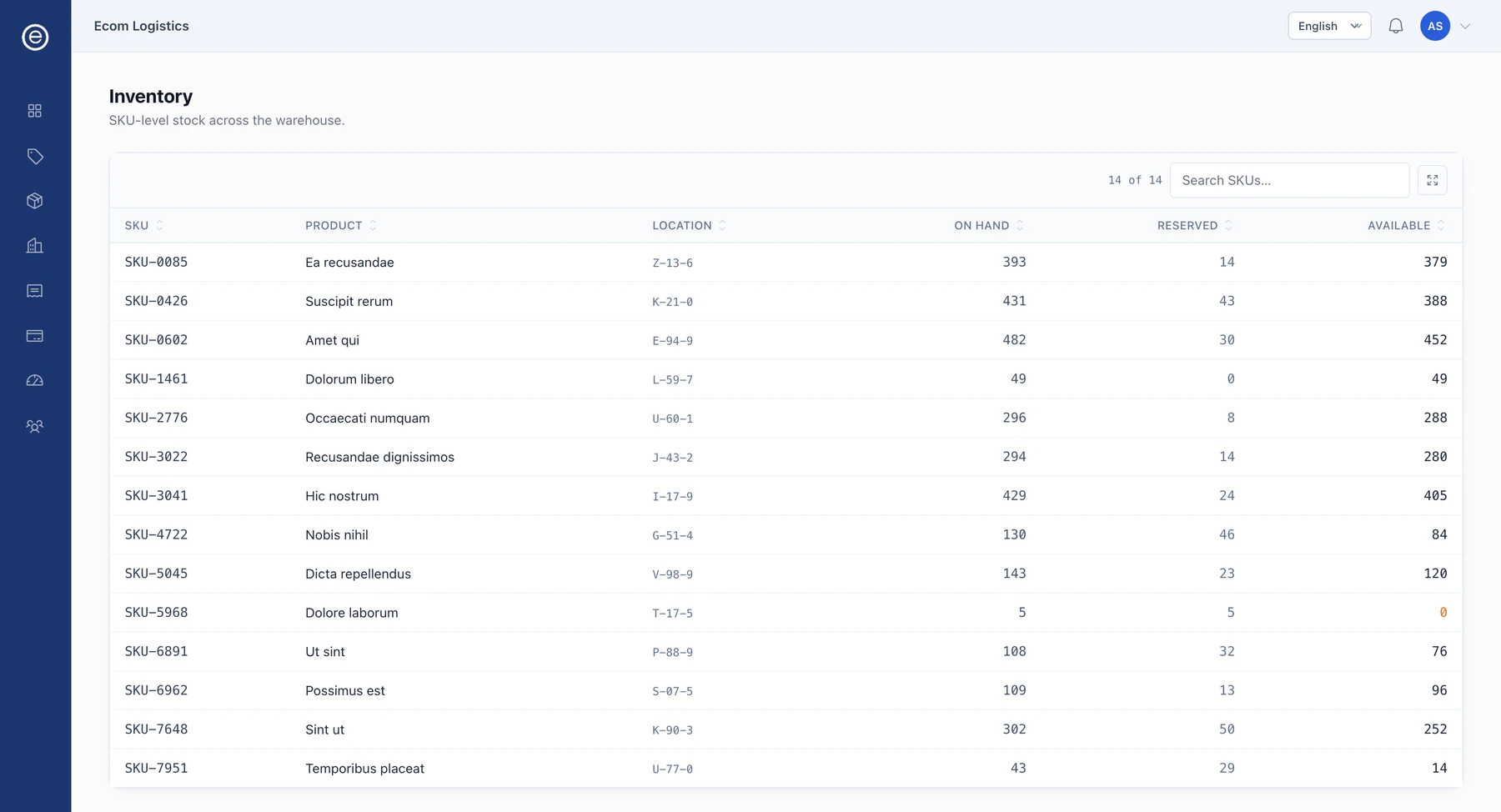
These screenshots show the client portal using a demo account and sample data. They illustrate the screens your team uses to review shipments, inventory and account activity; the figures are not Ecom performance statistics.
Dashboard
Active shipments, volume and spend for the month, and open invoices. It is the first screen after sign-in.
Invoices
Issued invoices with their dates, due dates, shipment counts and totals, filterable by overdue, paid, pending or not yet generated.
The two you work in
Inventory
SKU-level stock across the warehouse: quantity on hand, quantity reserved against open orders, and what is actually available to sell.
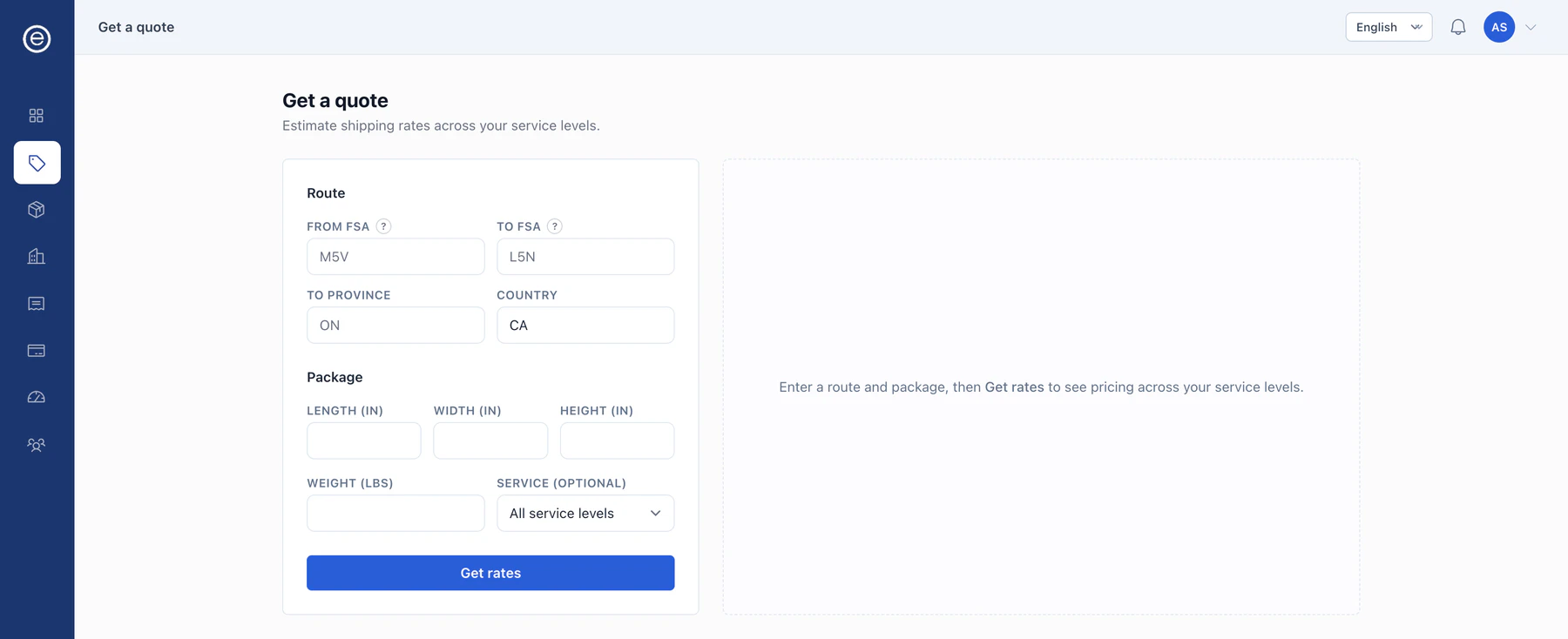
Rate form
Route and package in, pricing across your service levels out, without going through an account manager for a number.
A status your support team can quote
Scans from the warehouse floor, freight milestones and last-mile events land in one timeline. When a customer asks where their order is, the answer is the same one your team, your dashboard and the tracking page are all looking at.
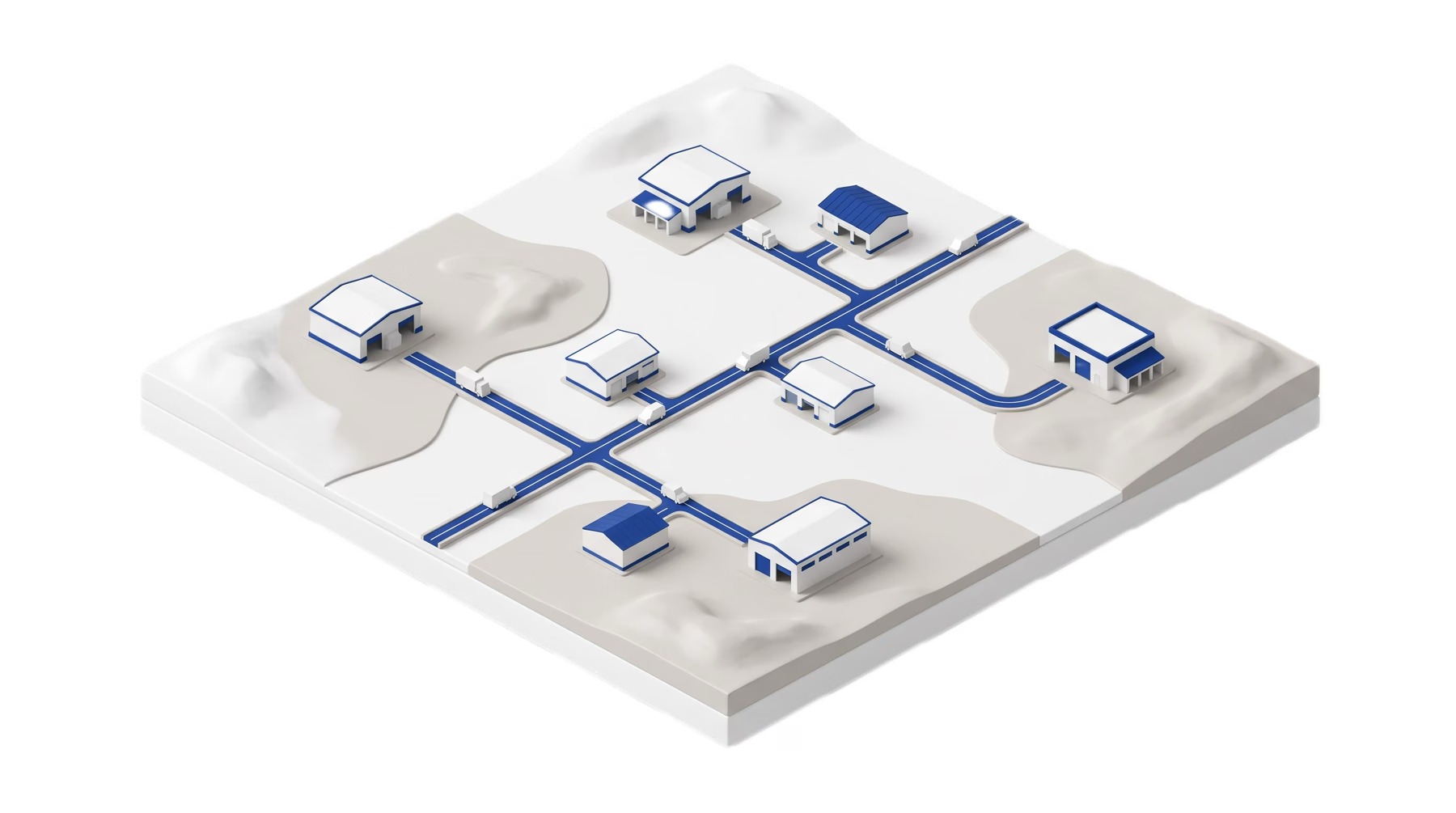
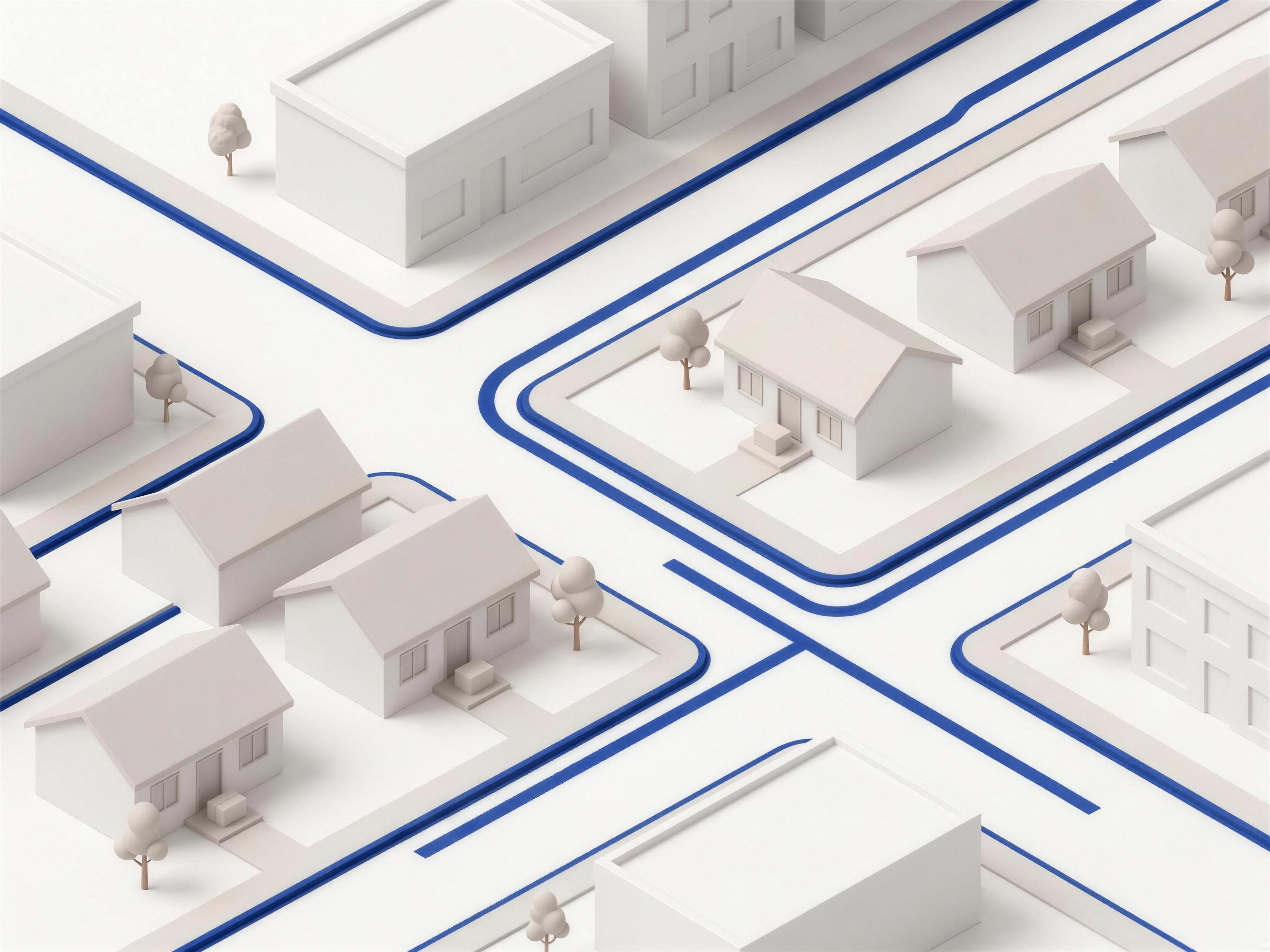
Where the last-mile events come from
The timeline does not fill itself in. The last stretch of it is written by the driver app: a driver working a route closes each stop on it, and the delivery event and its timestamped photo write straight to the shipment your dashboard and your customer are reading.
Driver events become part of the shipment record. If a delivery update needs checking, your team can use that record to investigate with operations rather than relying on a separate end-of-shift report.
If your platform is not on the list
Direct store connections, warehouse connectors and marketplace routes have different requirements. If your system is not listed, share the order flows and updates you need so we can assess the connection.
- A REST API
- For a platform or an internal system that can call out. Orders in, stock and tracking back, against the same record the connectors write to.
- EDI
- For the retail and wholesale side, where the trading partner sets the format and the document types rather than you.
- A native connector
- If enough merchants run the same platform, it becomes one of the nine. Tell us what you are on: that is how the list grew.
Bring your stack. We will meet it.
EDI, REST API, or a native connector for the platform you already run.